
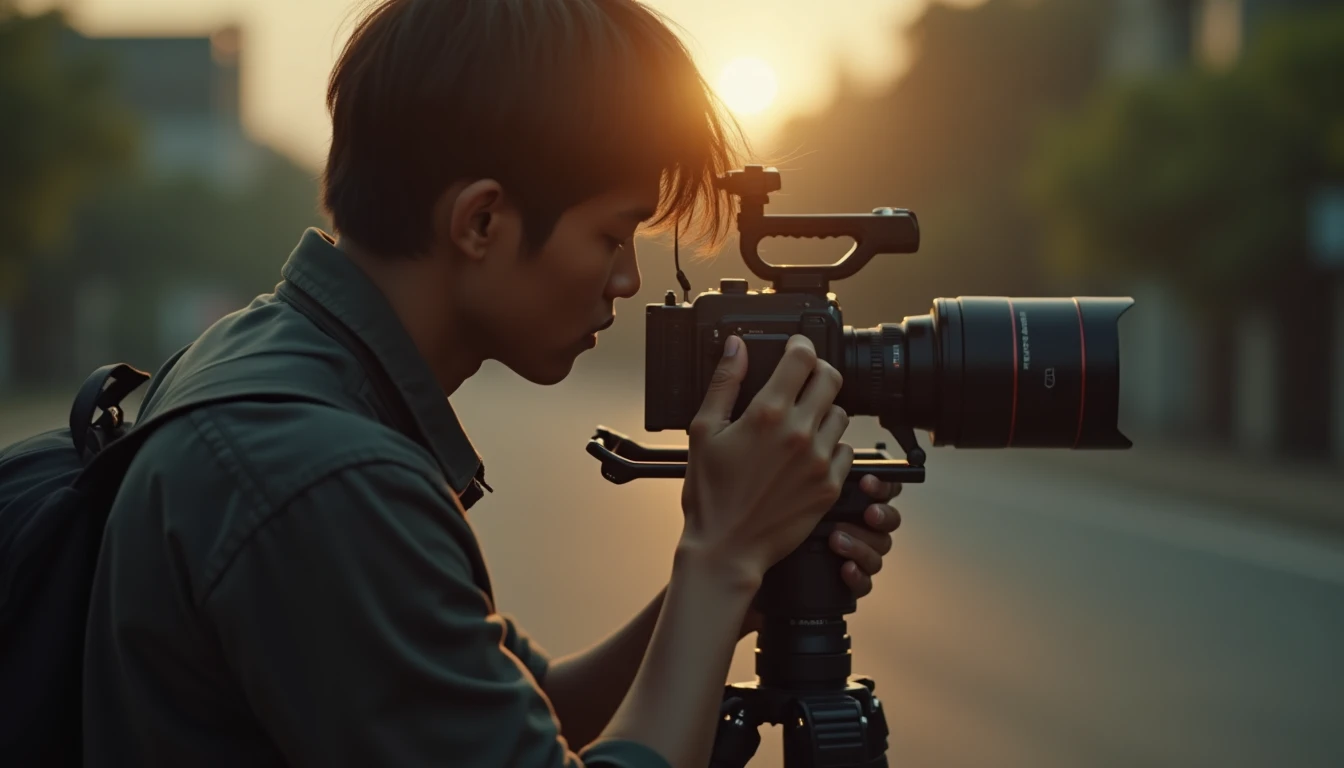
Last month, I was chatting with a friend who’s just started getting serious about videography. He asked, "How do I make my videos not look stiff, like an old-school sinetron (Indonesian TV soap opera)?" This question comes up a lot, especially if you’re just learning video camera movement. The key isn’t just expensive gear; it’s a basic understanding of how to move the camera with intention.
The right camera movement can keep viewers watching, often without them even noticing. Careless movement, on the other hand, just makes people dizzy. Let’s break down the basic video camera movement techniques that get used most often, one by one, along with when and why you should use them.
What Are the Types of Video Camera Movement, and When Should You Use Them?
Understanding the types of video camera movement is an important foundation. Each movement has a specific function in telling a story or conveying visual information. Mastering them will make your videos feel more alive and professional.
1. Pan (Horizontal Sweep)
A pan is a horizontal camera movement, from left to right or the other way around, pivoting around the center of the camera. Imagine you’re looking at a wide view and your eyes sweep from one side to the other. That’s a pan.
The main purposes of a pan are:
- Showing the scale of a space: For example, when shooting a landscape in Kota Lama Semarang, you can pan to show how vast the area of historic old buildings is.
- Following a moving subject: If the subject moves in a straight line to the left or right, a pan can follow them without changing the angle on the subject.
- Introducing a location: When introducing a place, a pan can be used to show the important details around it.
Tips: Pan slowly and steadily. Use a tripod with a fluid head (a tripod head that allows smooth movement) or a gimbal (an electronic camera stabilizer). Avoid jerky movement. Start and end on a solid frame (hold the camera still for a moment before and after the move) so viewers have a visual anchor.
2. Tilt (Vertical Sweep)
The opposite of a pan, a tilt is a vertical camera movement, from top to bottom or the other way around, around the same pivot. It’s like looking up at the top of a tall building or looking down at a detail on the floor.
The purposes of a tilt include:
- Showing height or depth: When shooting Tugu Muda, tilting from the bottom up can create a sense of grandeur and height. Tilting from the top down, on the other hand, can show the depth of a ravine or details on the ground.
- Following a vertical subject: If the subject moves up (for example, someone climbing) or down, a tilt can follow them.
- Emphasizing a detail: A downward tilt can be used to draw the viewer’s attention to a specific object below.
Tips: As with the pan, smoothness comes first. Make sure the pivot stays steady. Avoid moving too fast or too much. If the subject moves very high, it may be better to use another technique such as a crane shot (if you have the gear) or to cut the scene.
3. Tracking or Dolly (Following the Subject)
A tracking or dolly move involves physically moving the camera with the subject, whether forward (dolly-in), backward (dolly-out), to the left, to the right, or even along a curve. It gives a dynamic perspective because viewers feel as if they’re moving along with the subject.
Examples of how to use it:
- Dolly-in: The camera moves forward toward the subject. This can be used to build intensity, deepen a character’s emotion, or highlight an important detail on an object.
- Dolly-out: The camera moves backward, away from the subject. This can create a sense of isolation, reveal the subject’s surroundings, or end a scene on a wider shot.
- Side tracking: The camera moves parallel to a subject moving sideways. This technique is often used in action films or when following someone walking.
Tips: For smooth dolly moves, you’ll need tools like a slider (a camera rail), a dolly (wheels for the camera), or a gimbal. Make sure the path is clear of obstacles. Around Semarang, tracking along the sidewalks of Kota Lama can be an interesting option, but make permits and the comfort of pedestrians a priority.
4. Pedestal (Physically Raising/Lowering the Camera)
A pedestal move raises or lowers the whole camera unit (rather than angling the lens like a tilt) using a tripod or crane. It changes the overall height of the camera’s point of view.
What a pedestal move does:
- Adjusting the point of view: Sometimes you need to raise or lower the camera slightly to get a better composition without tilting the lens.
- Getting around objects: If something is blocking the view in the middle of the frame, a pedestal move can be the solution.
- Creating a dramatic effect: Slowly raising the camera can create a sense of investigation or discovery.
Tips: Pedestal moves work best with a sturdy tripod or a crane. The movement still has to be smooth, never suddenly jumping up or down.
5. Zoom (Changing the Lens’s Focal Length)
Unlike a dolly-in, where the camera moves forward, a zoom changes the lens’s focal length, electronically or manually, to bring the subject closer or push it farther away without physically moving the camera. Zooming in brings the subject closer; zooming out pushes it away.
When should you zoom?
- Highlighting a detail quickly: If you need to show a small detail fast without moving the camera position.
- Creating a dramatic effect: A fast zoom-in can create a shock or emphasis effect. A fast zoom-out can give a sense of ‘coming back to reality’.
Caution: Excessive zooming is often seen as a telltale sign of a beginner videographer. Fast, jerky zooms can also lower the visual quality. Use zoom wisely: a smooth manual zoom is better, or use a dolly when possible for more cinematic movement.
6. Static Shot (Still Camera)
This is the most basic move of all: the camera stays still in one position. But make no mistake, the right static shot can be very powerful.
Its purposes:
- Focusing on the subject and the narrative: Without distracting movement, viewers can focus on what’s happening inside the frame.
- Creating tension: In certain scenes, a still camera can build a sense of anticipation or unease.
- Showcasing the visual composition: If you’ve composed the frame really well, a static shot lets viewers take it in.
Tips: Make sure the camera is stable (use a quality tripod). Think the frame composition through carefully. Sometimes a static shot combined with the subject’s movement within the frame is dynamic enough.
Important Rules for Camera Movement
Whatever type of movement you choose, there are a few basic principles you should hold on to:
- Every Move Needs a Reason: Don’t move the camera just because you feel you ‘have to’. Ask yourself: Why am I panning here? What do I want to show with this dolly move? Movement with a purpose feels more meaningful.
- Keep Movements Smooth: Stuttering, choppy, or shaky movement is very distracting for viewers. Always use support gear like a tripod, gimbal, or slider, and train your hands to move it smoothly.
- Start and End Steady: Always start a camera move once you’re sure the frame is solid, and end the move with a brief pause before cutting. This gives viewers a visual ‘home’.
- Don’t Overdo It: Too much camera movement can make viewers dizzy and lose track of the story. Use movement strategically. Sometimes one well-chosen move is better than ten careless ones.
These six moves are just vocabulary; what keeps a video from looking ‘stiff, like an old-school sinetron’ is the one rule that sits above them all — every move needs a reason. Pan because there’s something you genuinely want to show, dolly in because the emotion is rising. The moment the camera moves just to ‘look dynamic’, viewers actually feel it as a distraction. Start with a clean static shot, then add movement only when the story asks for it.
Need a visual production team for a project in Semarang? Labstory is a Semarang-based production house. See Labstory’s portfolio for examples of our work, or get to know our team and approach.
FAQ
What’s the difference between a dolly and a zoom?
A dolly is a physical forward/backward movement of the camera, which changes the perspective. A zoom changes the lens’s focal length without moving the camera, only bringing the subject visually closer.
How do I make smooth camera movements?
Use support gear like a tripod, gimbal, or slider. Train your hands to move that gear slowly and steadily. Avoid sudden movements.
When should I not use camera movement?
When you want viewers to focus on the narrative, a character’s emotions, or a visual composition that’s already strong. The right static shot can be very effective.
Do I need a gimbal to make good videos?
Not necessarily. A sturdy tripod and a slider are enough to create plenty of smooth, professional camera movements. A gimbal gives you more flexibility for complex moves.



Leave a Reply